
Hosted PBX features
Every hosted PBX plan includes the full feature set. There are no feature tiers and no add-on fees for the basics.
The features people use every day
- Auto attendant
- Greets callers and routes them to the right person or department, around the clock.
- Voicemail to email
- Each voicemail arrives in your inbox with the audio file and a written transcription, so you can read the message without playing it.
- Call recording
- Record calls automatically or on demand for training, quality checks, and disputes. Optional AI summaries and transcripts let you see what was said without listening to the whole call.
- Mobile, desktop, and web apps
- Make and take business calls from the iPhone or Android app, a desktop app on your computer, or a web phone in your browser. Calls show your business number wherever you answer.
- Follow me
- Calls ring your desk phone, then your cell, so you don't miss them when you're away from your desk.
- HD audio
- Clear calls with noise cancellation on supported phones, plus direct Bluetooth headset pairing.
- Contacts and directory
- Save contacts to your own phone or the company directory and call them with one button.

Full feature list
Call routing
- Auto attendant / IVR
- Ring groups
- Call queues
- Day, night, and holiday modes
- Announced transfer
- Blind transfer
- Call pickup
- Call broadcasting
- Call blocking
- Follow me / find me
Monitoring and recording
- Call recording
- AI call summaries and transcripts (optional)
- Call detail records (CDR)
- Call monitoring (listen in)
- Call barge
- Call eavesdrop
- Call intercept
- Real-time queue stats
- Voicemail to email with transcription
- Announcements
- Music on hold
Collaboration and mobility
- Conference bridges
- Three-way calling
- Page groups
- iPhone and Android apps
- Desktop app
- Web phone
- HD voice
- Company directory
- Busy lamp field (BLF)
- Intercom and paging
- Call center module
Phones
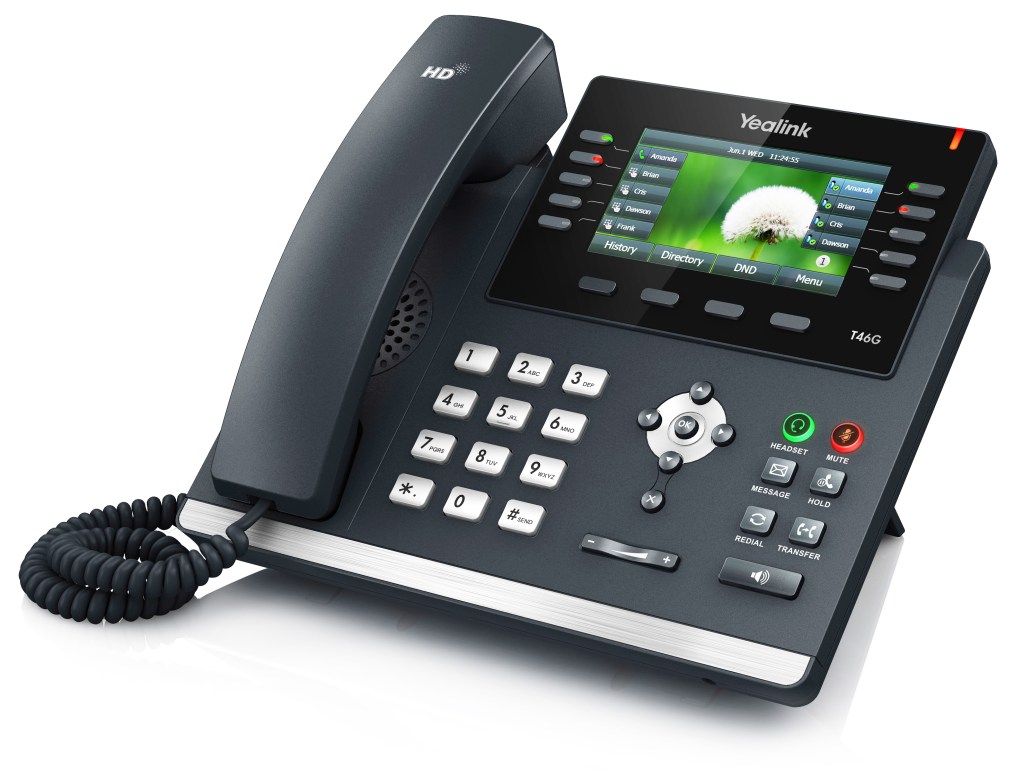
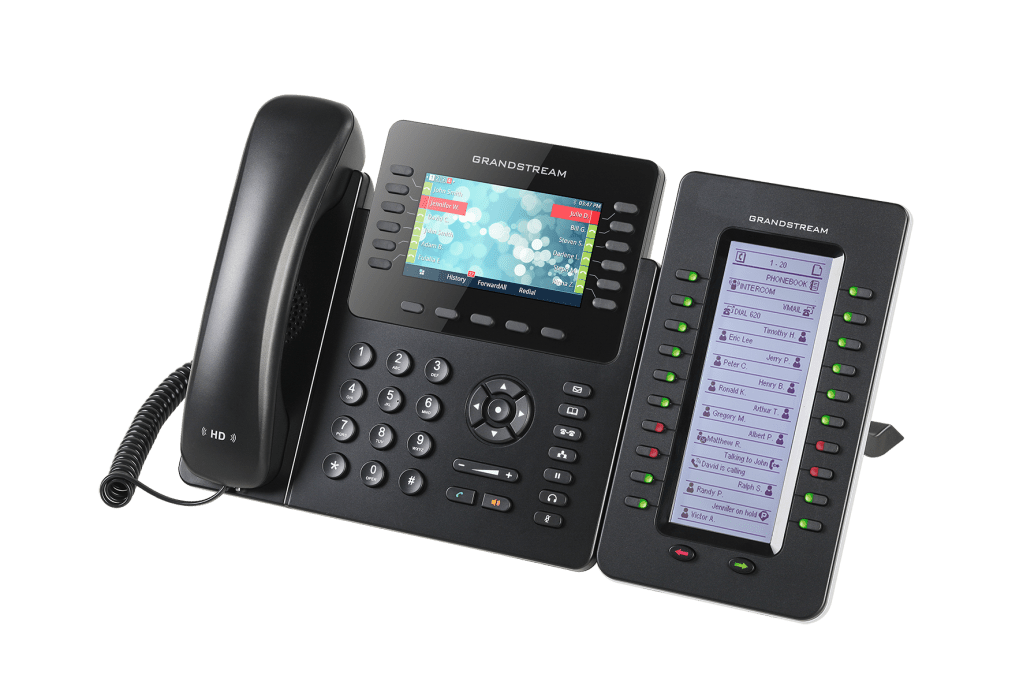
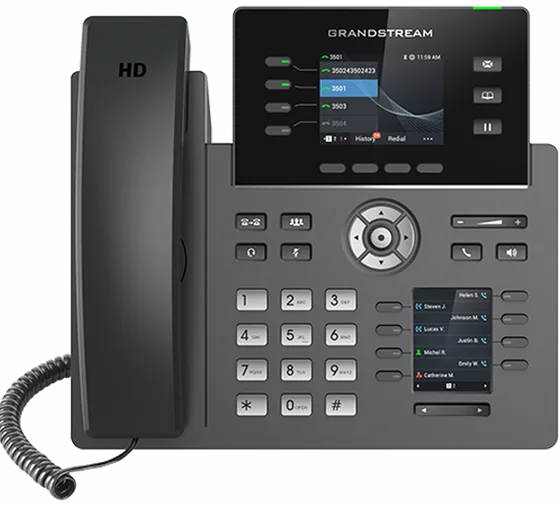
Most of our customers use Yealink or Grandstream desk phones. We also supply conference phones and DECT cordless systems, support Poly (formerly Polycom), and work with compatible phones you already own.

Talk to someone who will set up your system
Tell us how many people, phones, and locations you have, and what you use today. We'll recommend what fits and give you a written quote.